• VIEW DETAILS • VIEW DETAILS
UX / UI Project

Almosafer

Almosafer is a leading travel brand in the Middle East, delivering end-to-end travel experiences through scalable digital platforms and a strong omni-channel ecosystem. The platform provides access to over a million hotels worldwide and flights from hundreds of airlines, alongside a broad range of travel services, including holiday packages and car rentals.

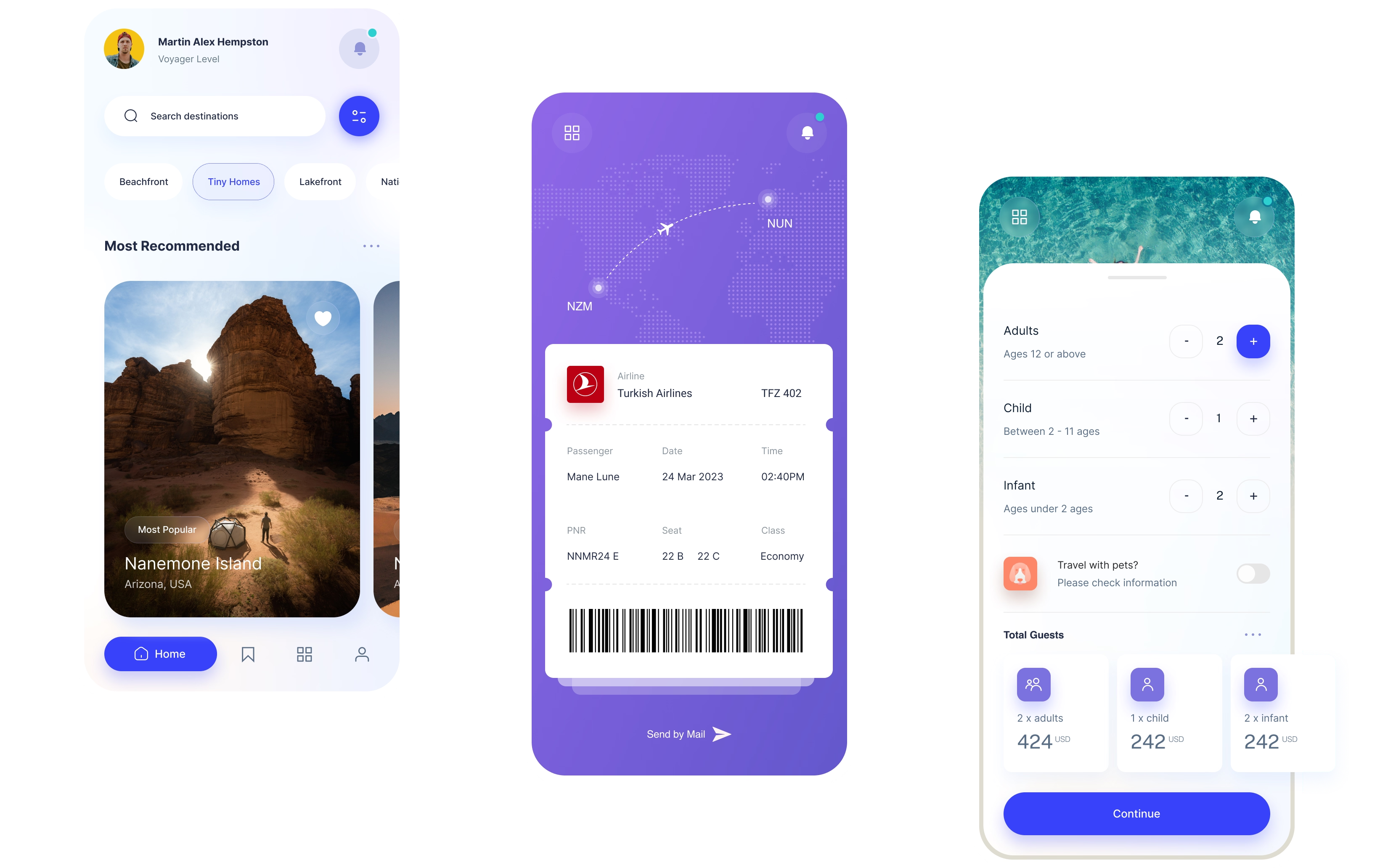
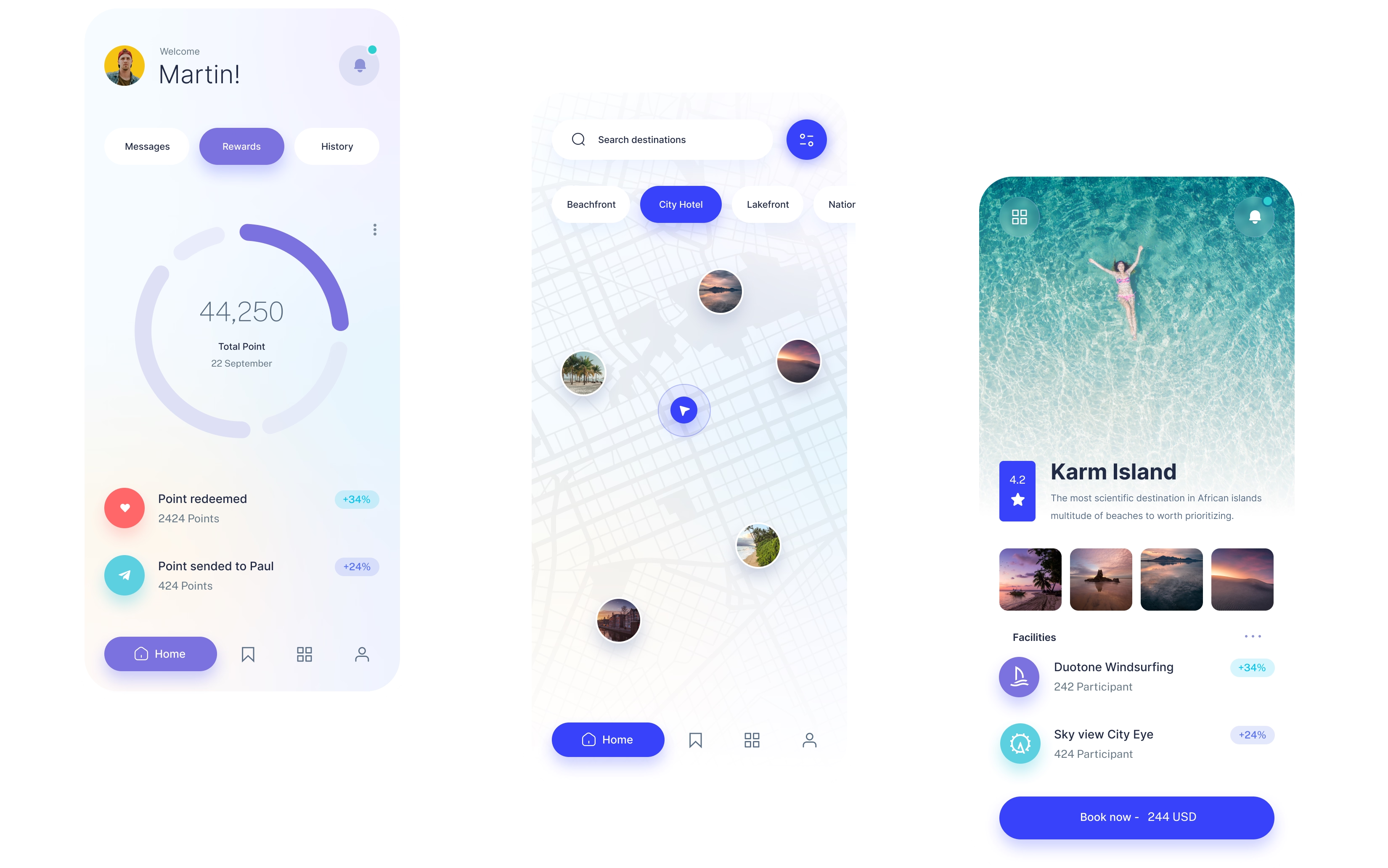
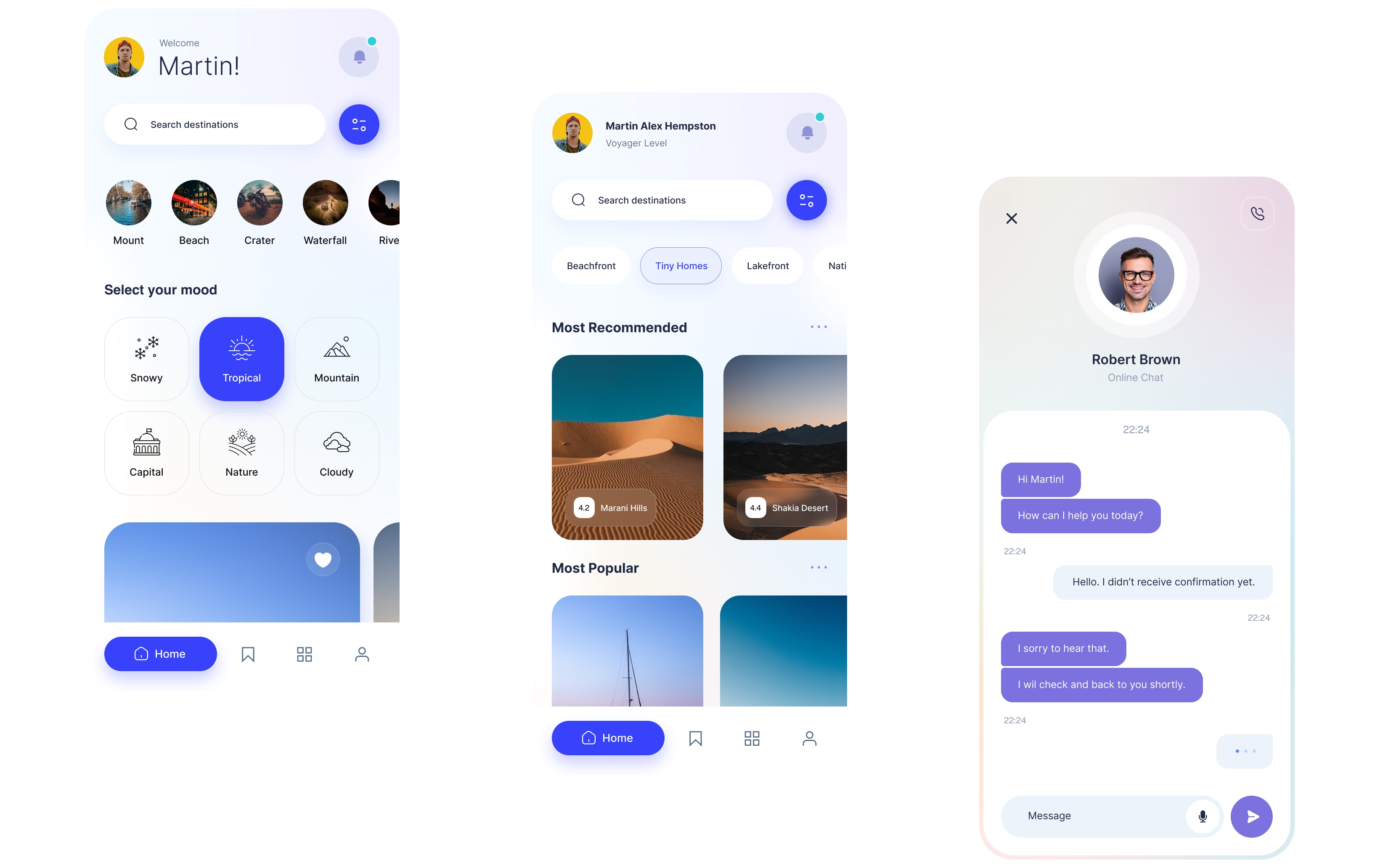
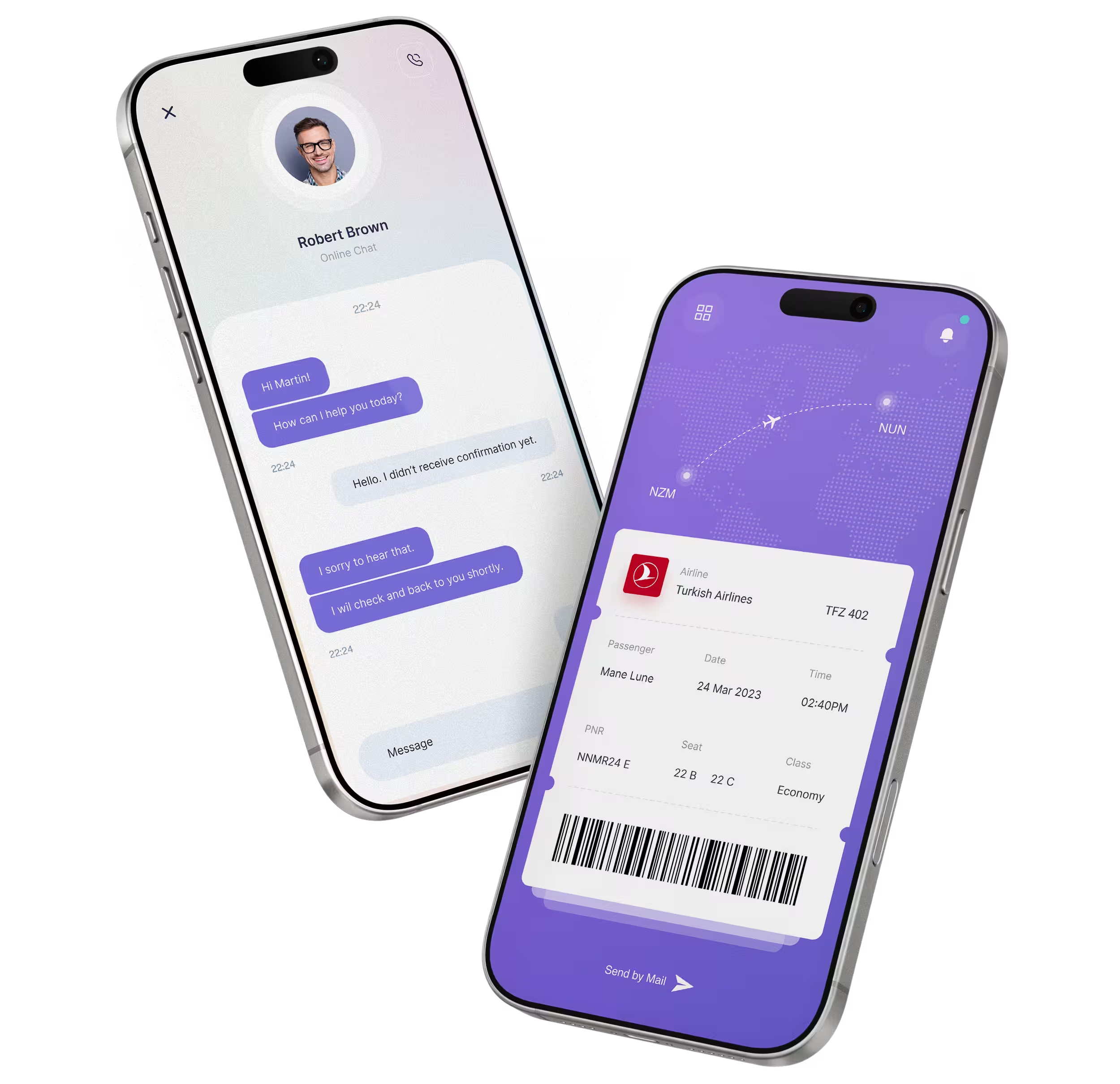
The Almosafer travel companion app was designed to simplify complex travel journeys, reduce user stress, and create a more seamless and engaging experience across key touchpoints.

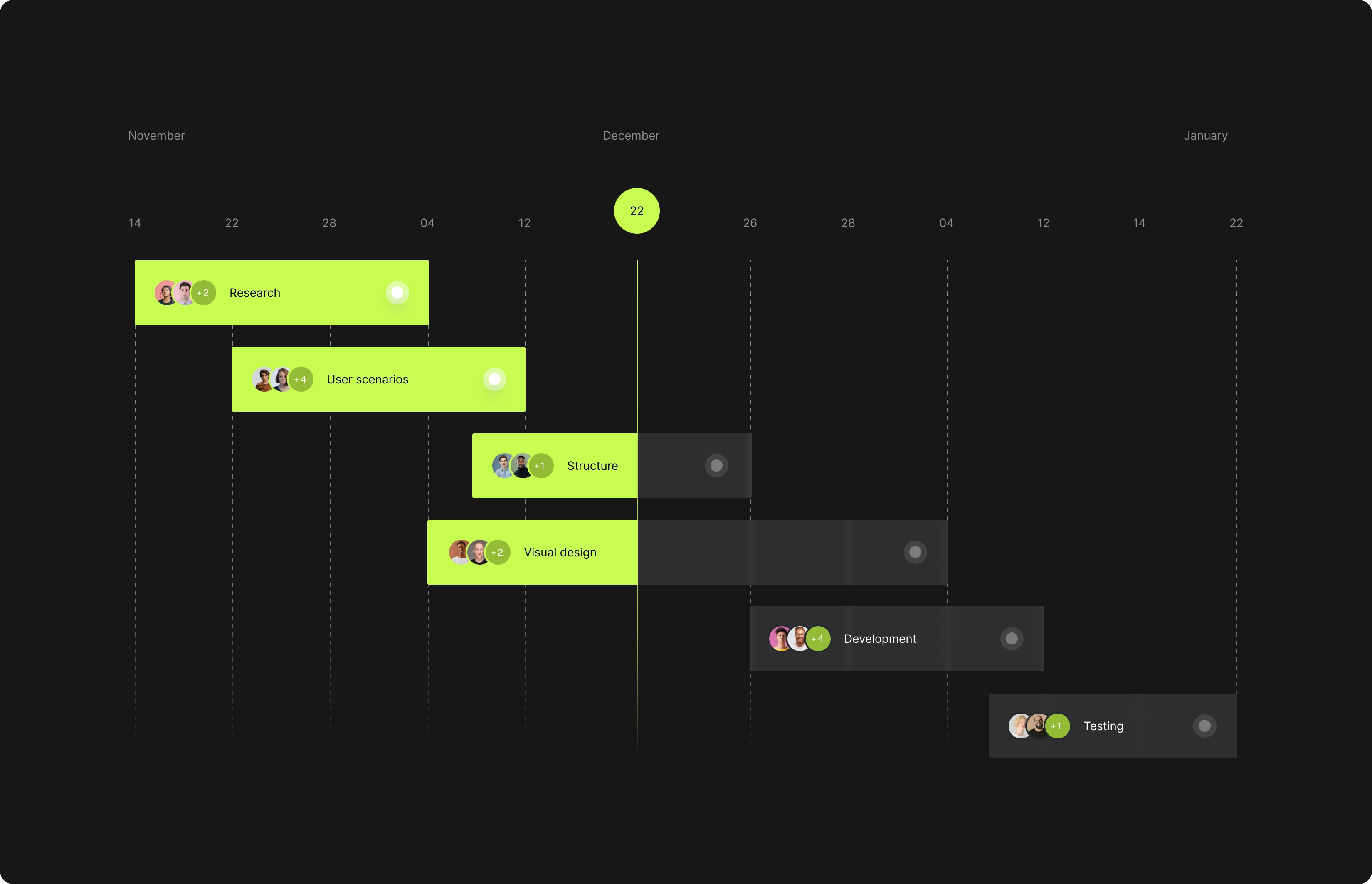
Through collaborative workshops with key stakeholders, we aligned business goals with user needs and translated insights into clear UX directions. This process enabled actionable initiatives across design, engineering, and business teams, supporting a shared product vision and long-term scalability.

Role

  • I led the product design and UX process, creating UI visuals and collaborating with product managers, marketing, and development teams. Together, we researched, scoped, planned, executed, defined fixes, and prioritized tasks.

Problem Statements

  • A seamless user experience is crucial for any hotel and flight booking application. To create a successful app, we must first thoroughly understand the user's pain points and address them through thoughtful, intentional design.

Project Goals

  • The goal is for users to plan their entire trip and make all their reservations, such as flights and hotels, without needing to switch between multiple applications.

You can't understand good design if you do not understand people; design is made for people.

Research: Understanding Users

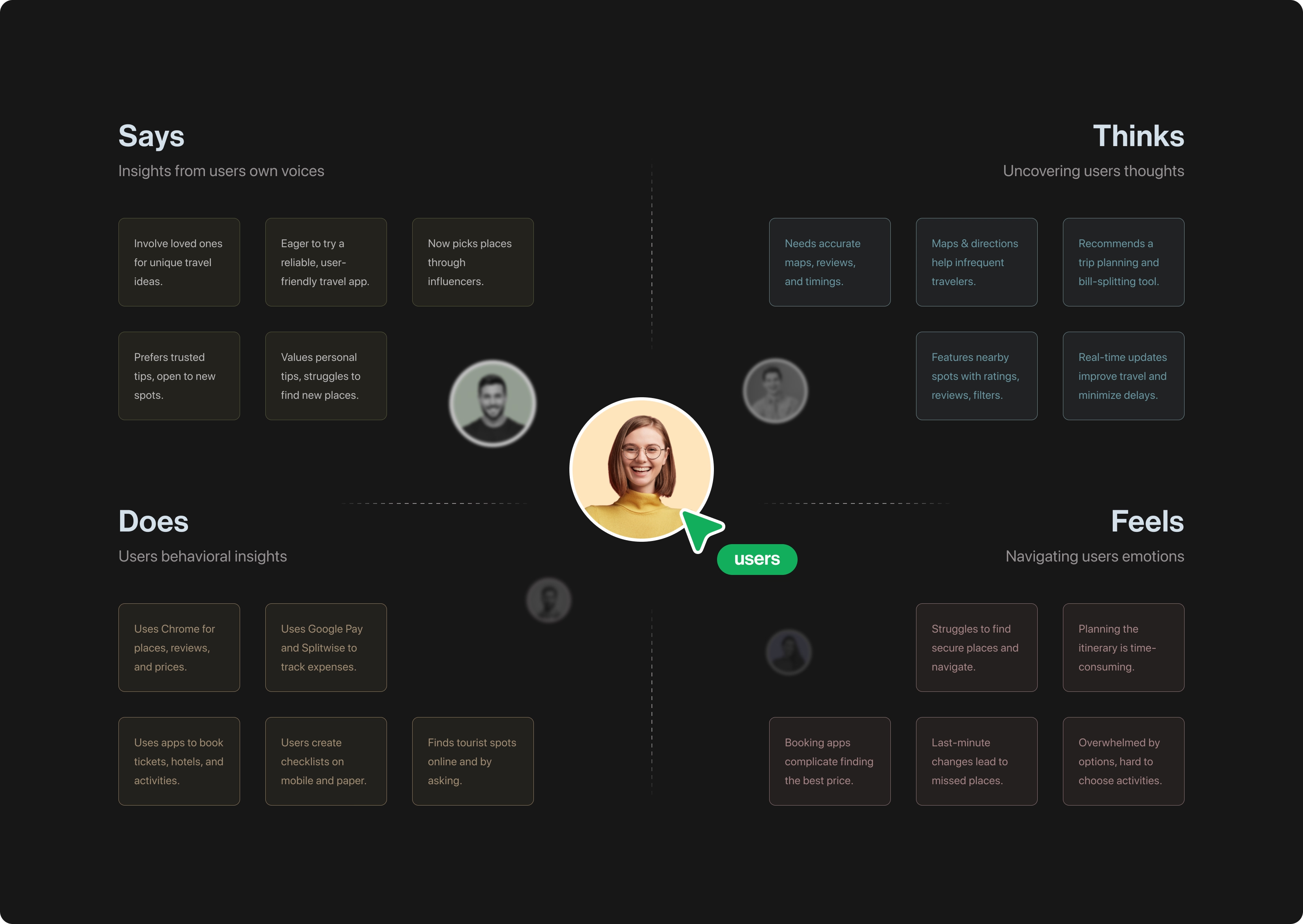
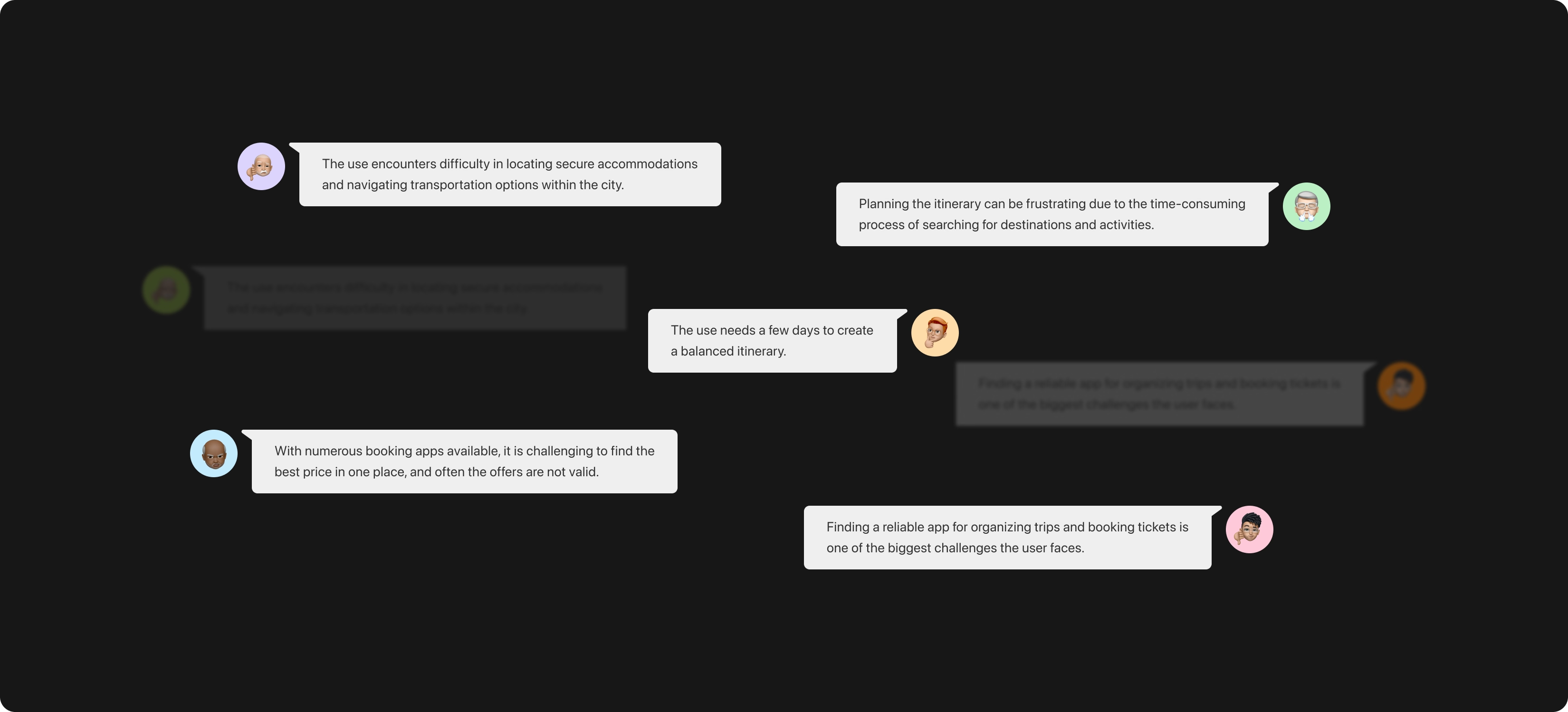
Most people go on a hotel booking app to make a reservation for an already pre-planned trip. Folks often struggle with interactive features such as using the filter feature, selecting add-ons, and getting through the room selection process. Some folks have pointed out that certain booking applications can look too cluttered and confusing. Users often felt overwhelmed by the sheer amount of information on the tested applications. There was a trend of users wanting to be able to confirm desired amenities, hotel policies, and prices very early on in the consumer journey. Confirming add-ons and room details was not intuitive. Users were not able to easily verify desired amenities or filter results.

It's not enough that we build products that function; we also need to build joy, excitement, pleasure and fun.

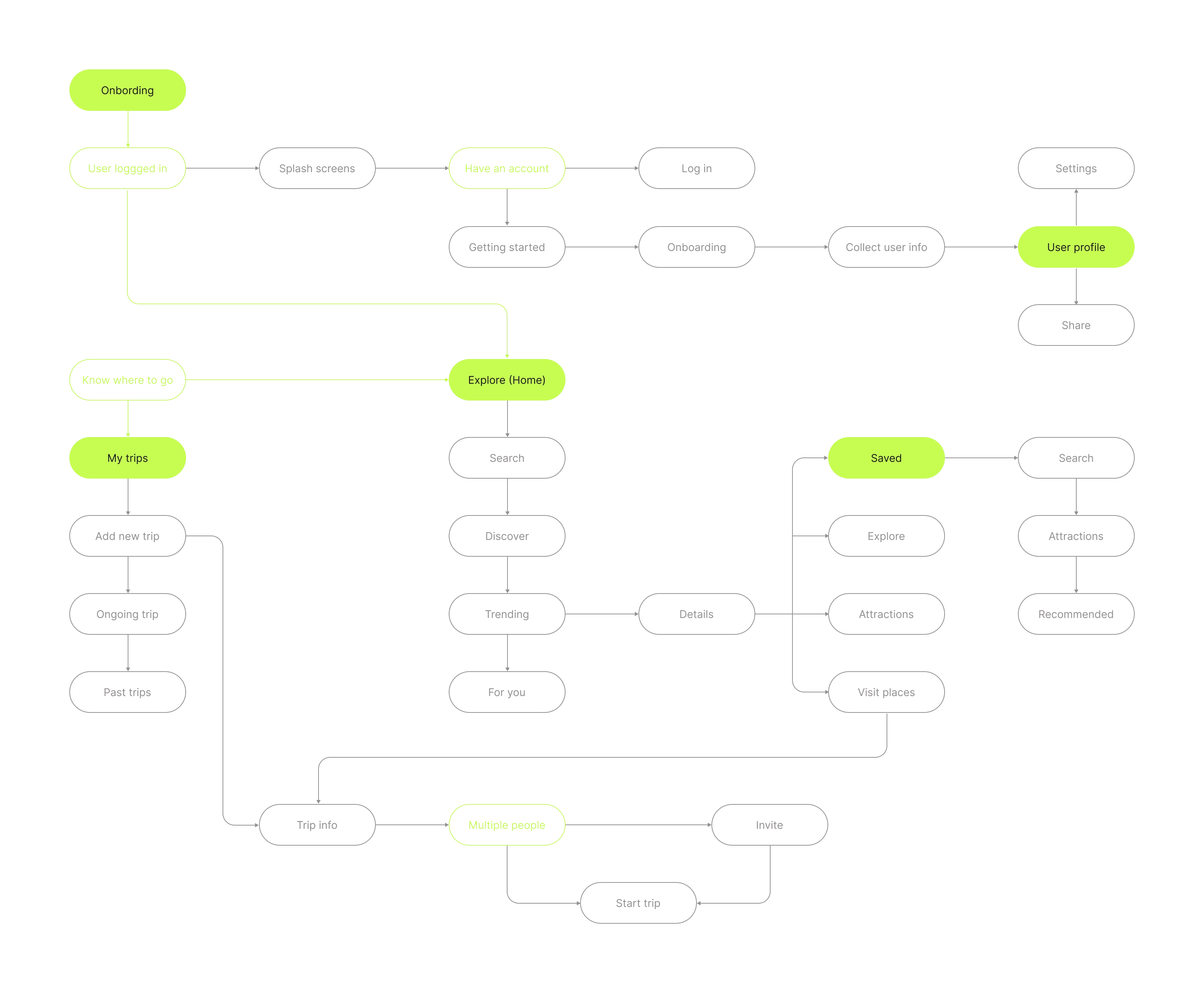
Streamlined flow for swift search and seamless trip planning

Drawing from user stories, the user flow was meticulously crafted to focus on two essential actions: searching for travel options and planning the entire trip. This intuitive structure allows users to navigate effortlessly through the application, enabling them to quickly access solutions tailored to their needs—whether it's booking a flight, reserving a hotel, or organizing a comprehensive itinerary.

With clear pathways and well-defined steps, users enjoy a seamless experience that simplifies their travel planning process.

Functional style, with great attention to detail, ensuring both practicality and aesthetic appeal in every element

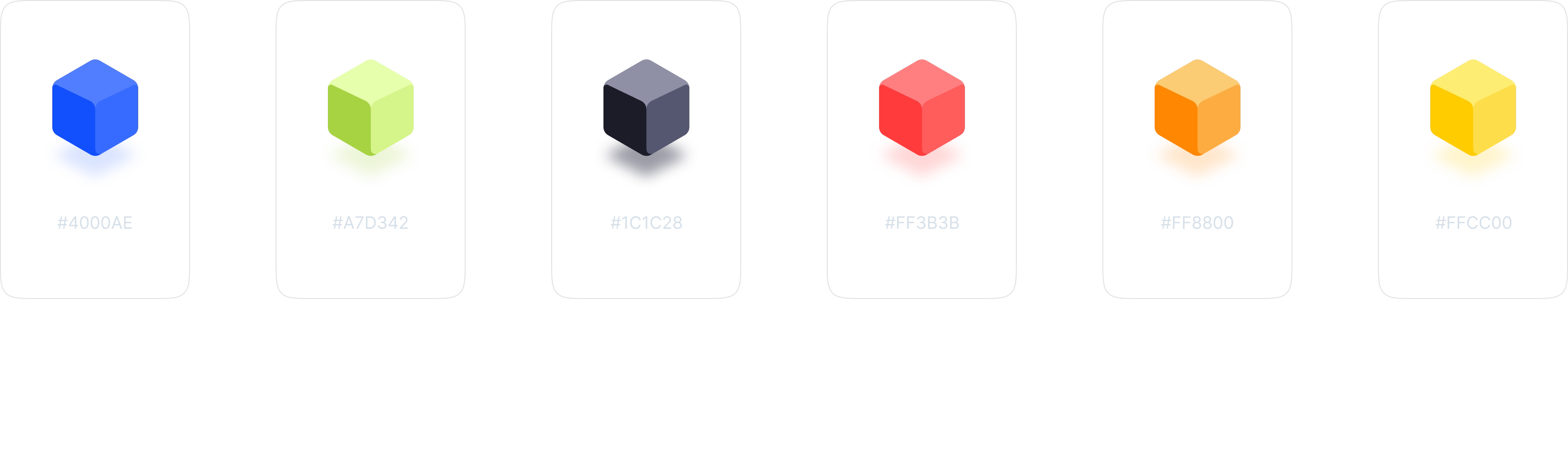
Opulent colour palette

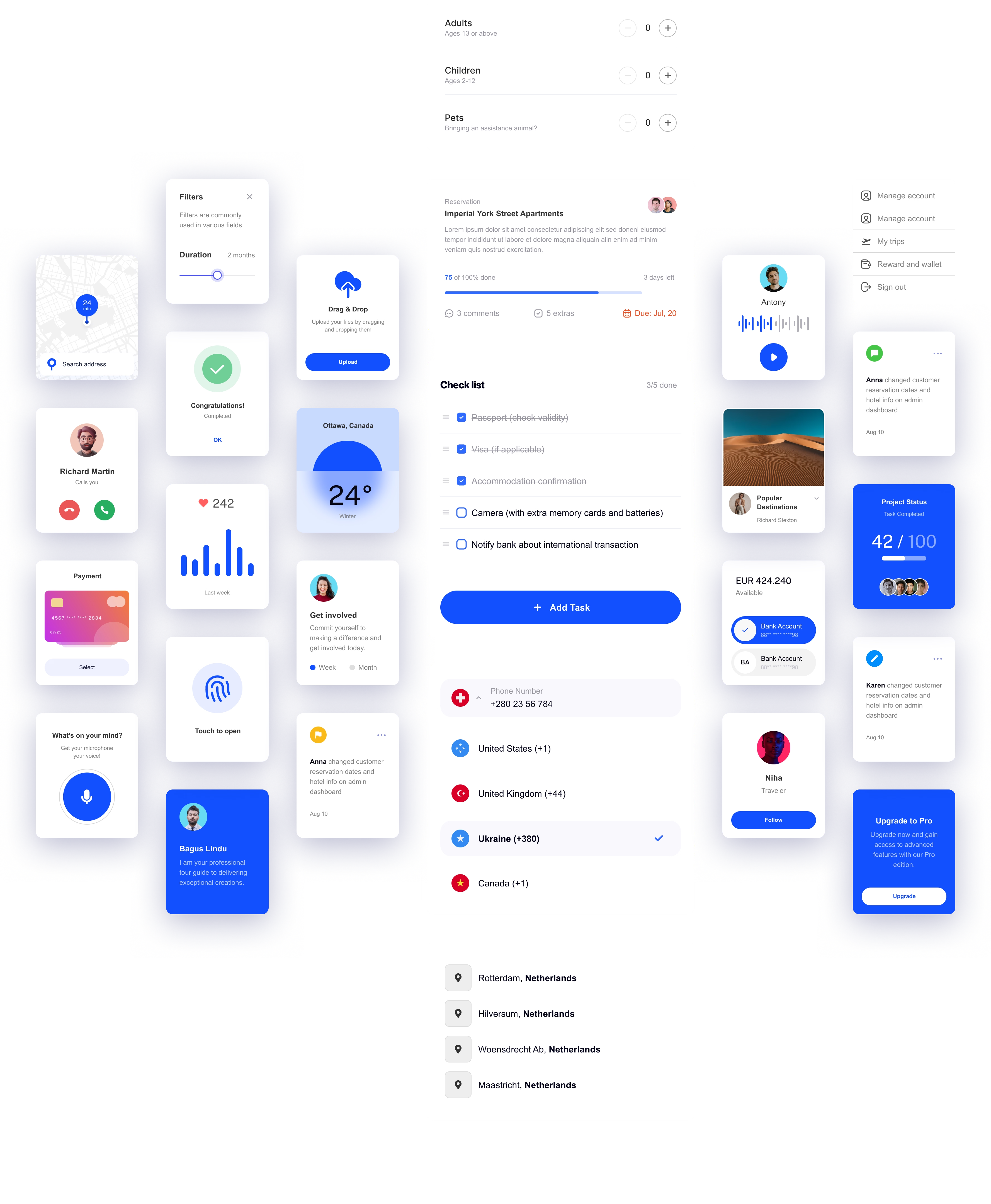
Almosafer brand colours are supported by distinguishable colours to call out important interactions. Using animation, we celebrate movement and the endless opportunities it makes possible. We grab the user's attention when necessary and bring small moments of delight when appropriate.

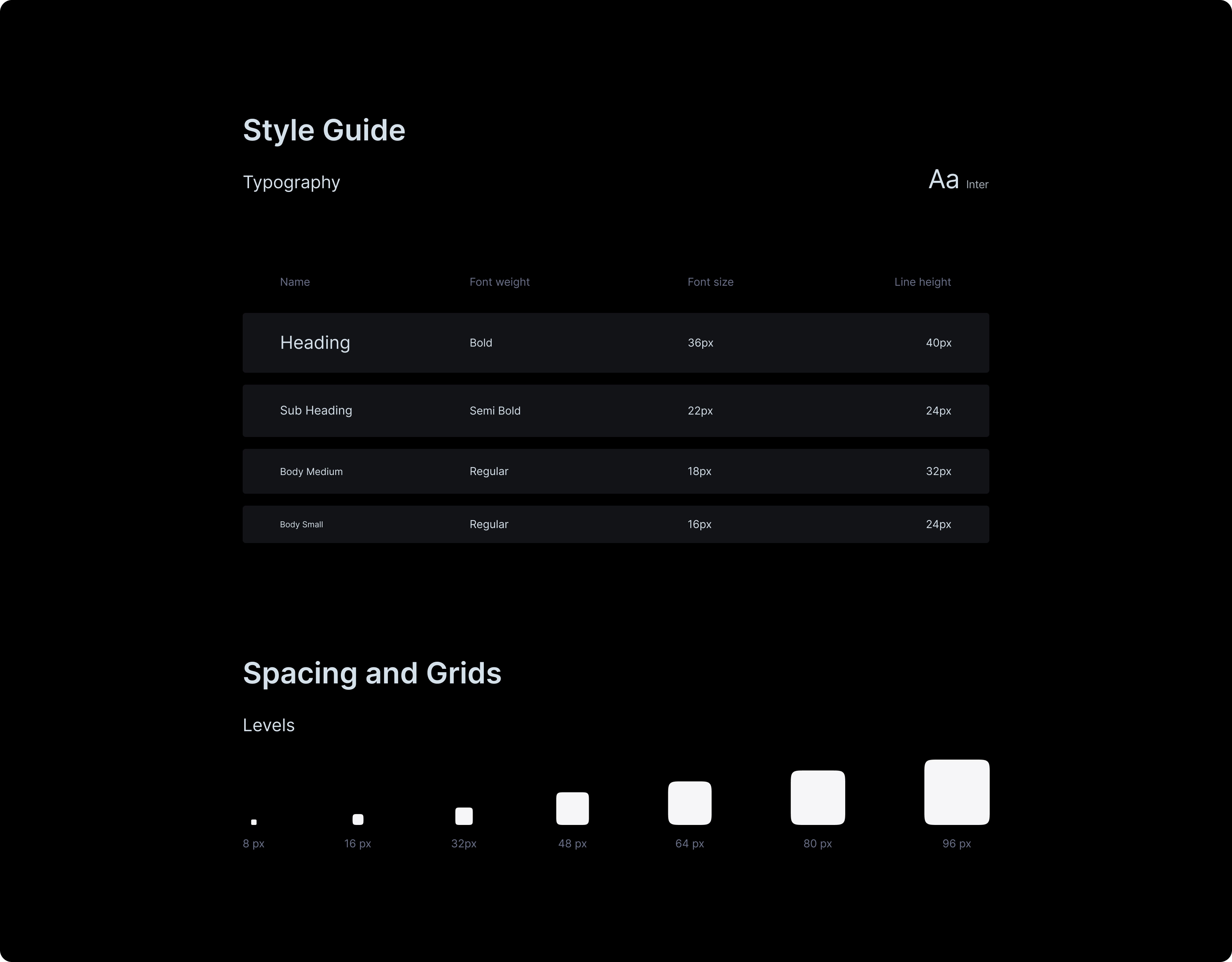
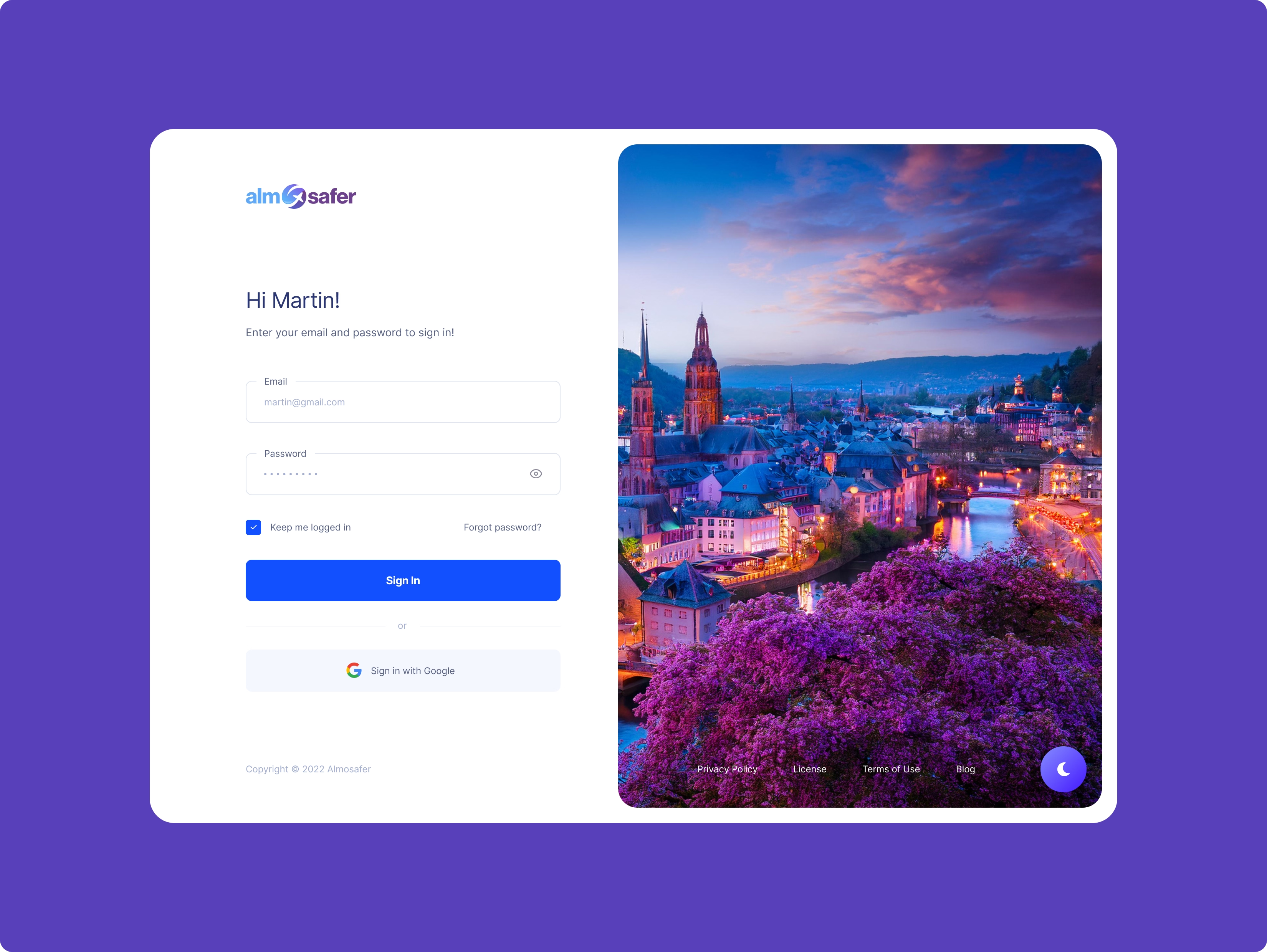
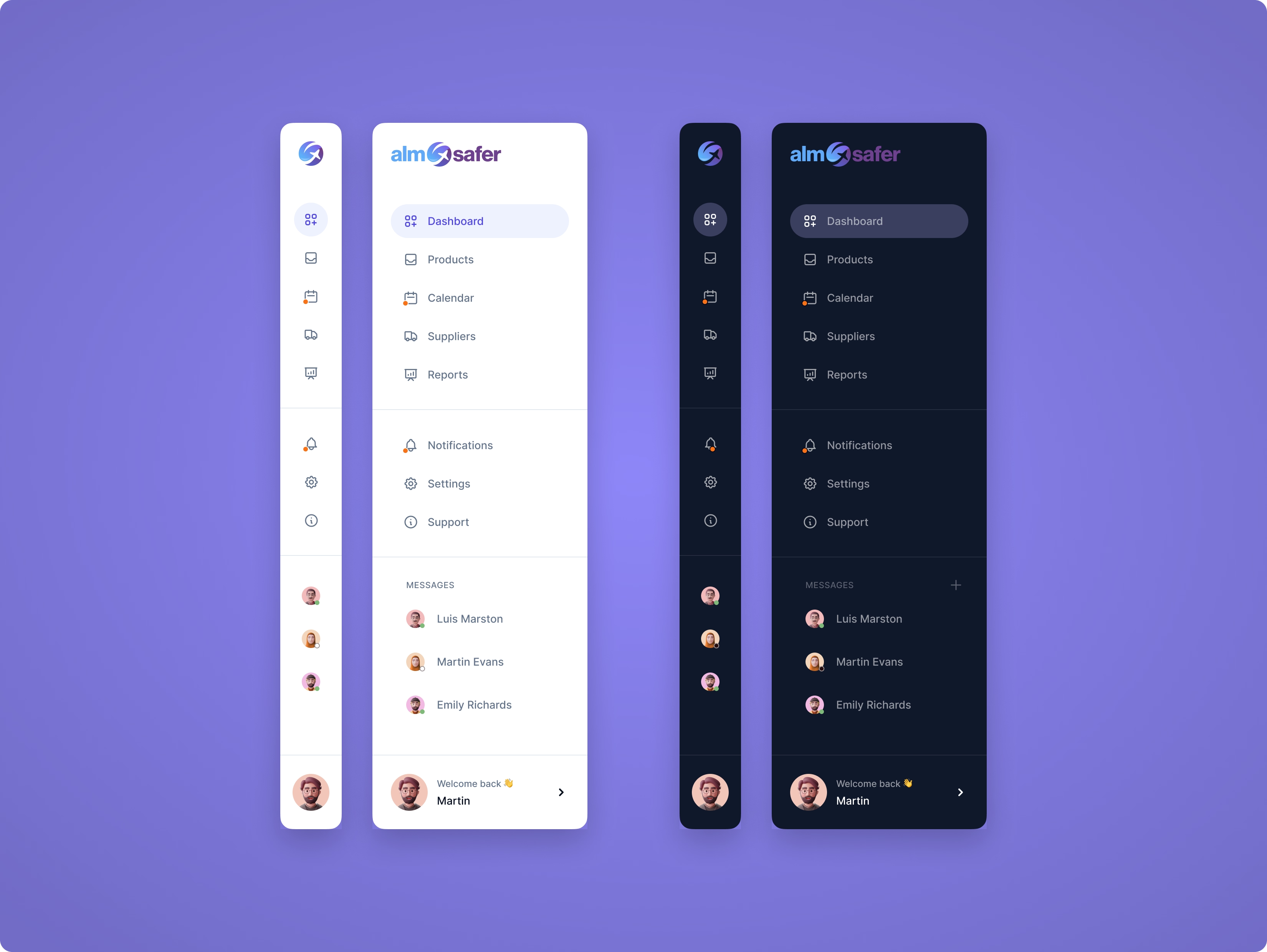
Our style guide emphasizes consistency across all touchpoints, including digital platforms and marketing materials. By defining clear guidelines for typography, colour palettes, and layout, we create a cohesive visual identity that enhances brand recognition and fosters trust, ensuring every interaction resonates with our audience.

Always inform one step ahead to remove worry and create trust with a functional style.

Wireframes

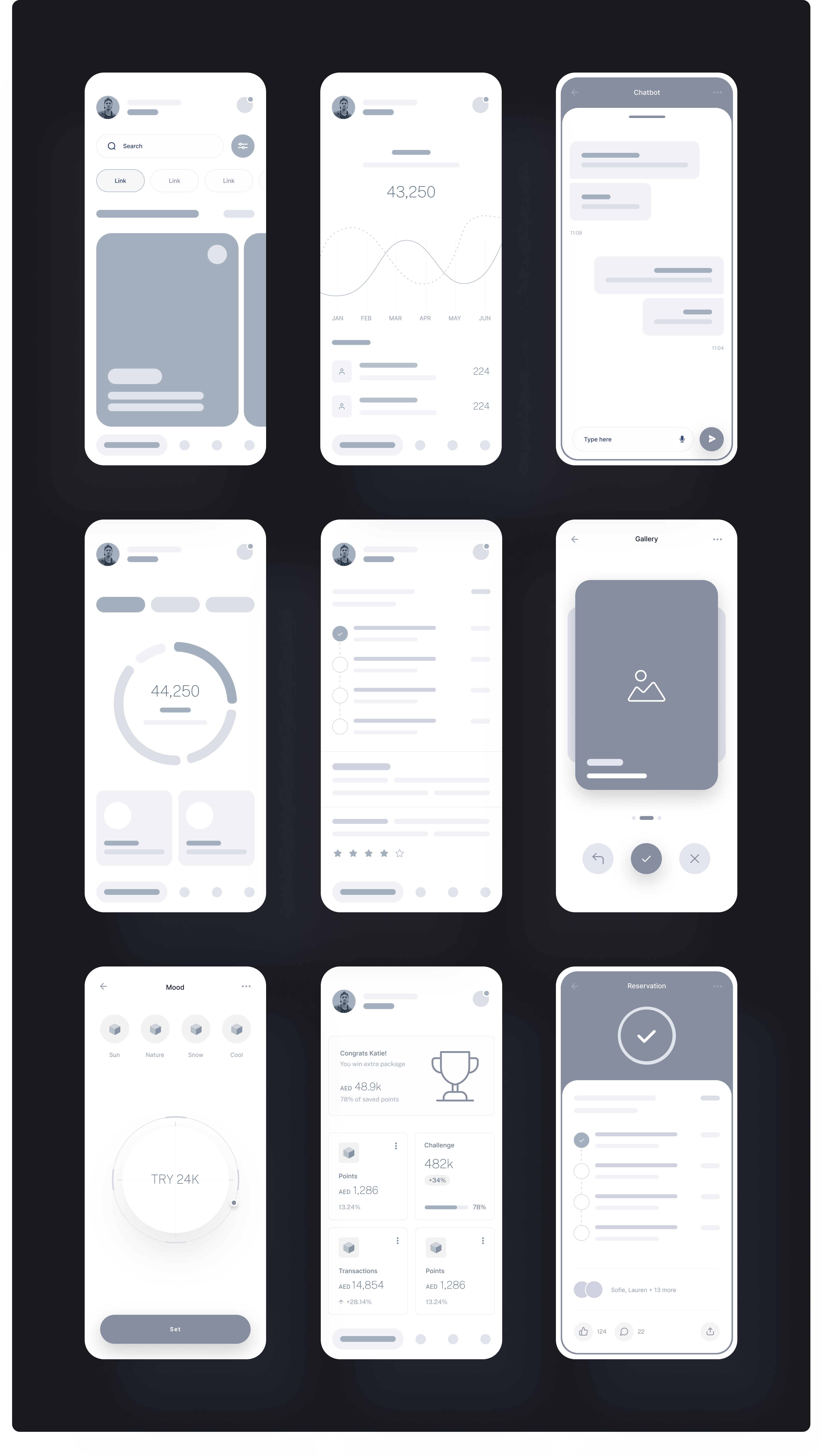
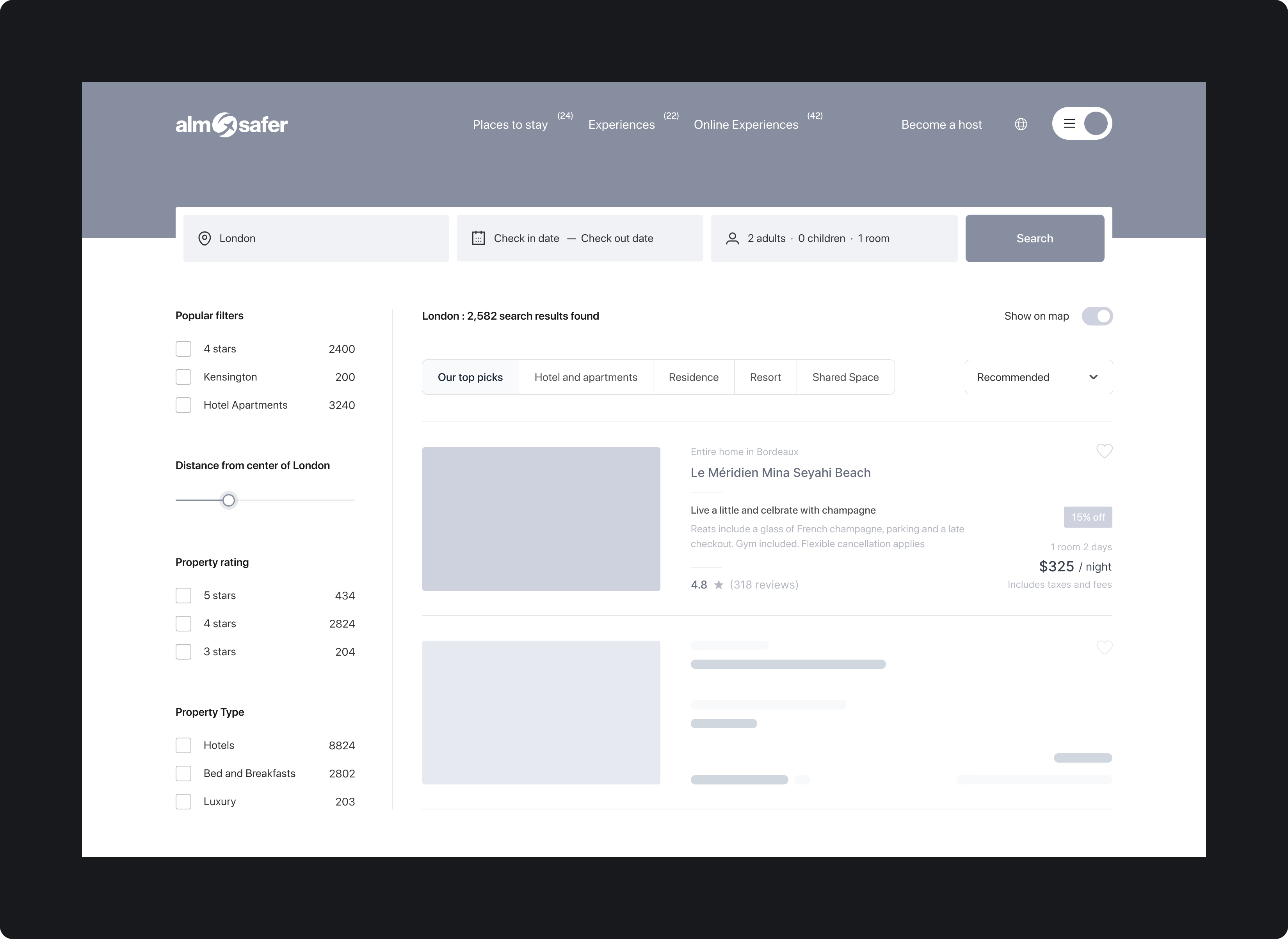
We focused on functionality, providing a clear visual representation of the product’s layout and structure. This allowed us to clarify user flows and key features while facilitating early user testing to gather usability feedback.

Serving as a communication tool between designers, developers, and all other stakeholders, wireframes also helped ensure alignment on the product vision and enabled cost-effective changes before development.

Good design is good business.
Simplicity is the ultimate
sophistication.

Crafting perfection from every element

Small elements and nuances in a design are not merely minor aspects to overlook—they are essential to the overall success of the design.

Every tiny component, from typography and spacing to colour choices and micro-interactions, contributes to the user experience and the functionality of the product.

These details work together to form a cohesive whole, ensuring that the design is not just visually appealing but also user-friendly and effective. In other words, great design is the sum of its parts, where attention to detail is what truly defines its quality and impact.

The details are not the details,
they make the design.

Inspired by reduction

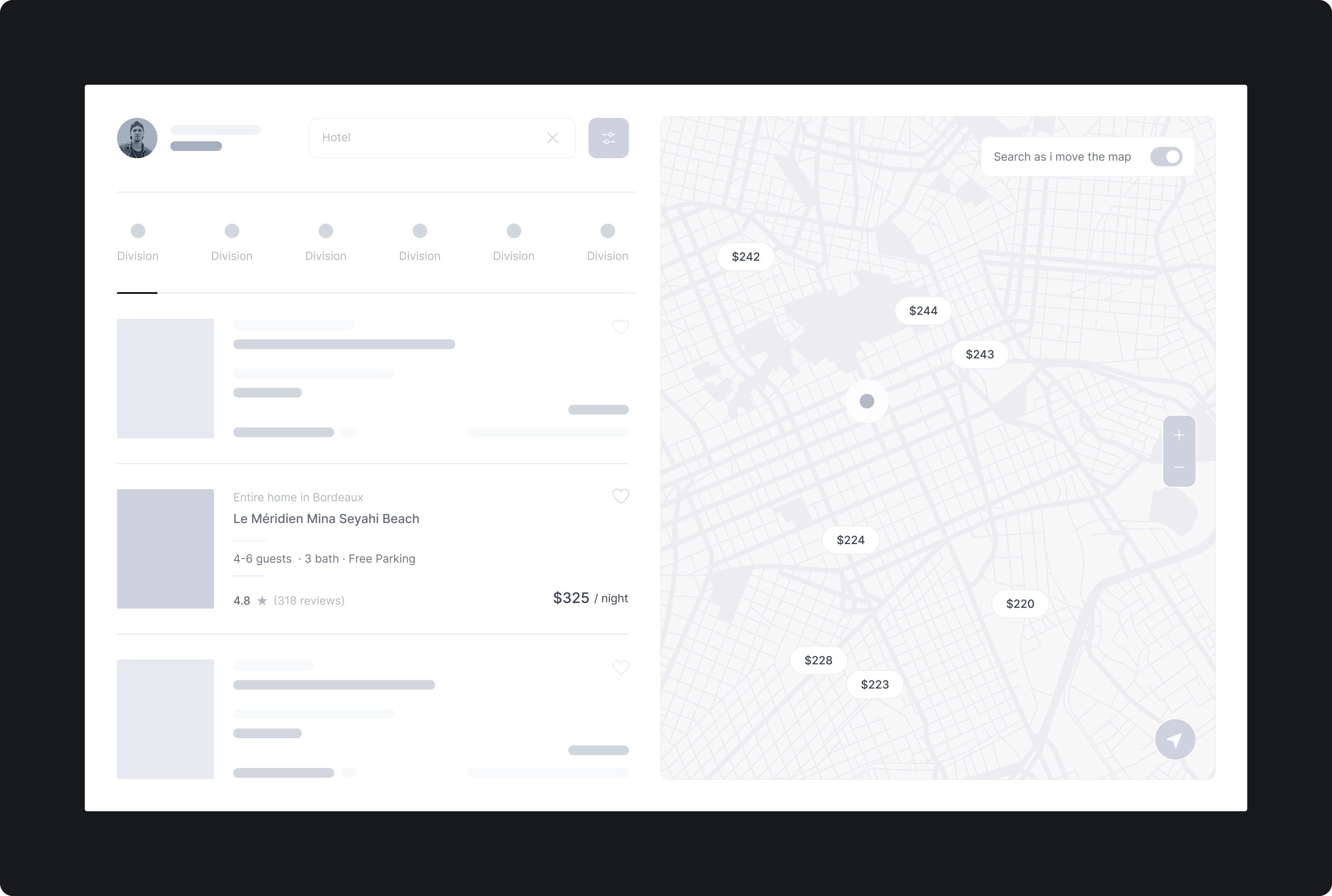
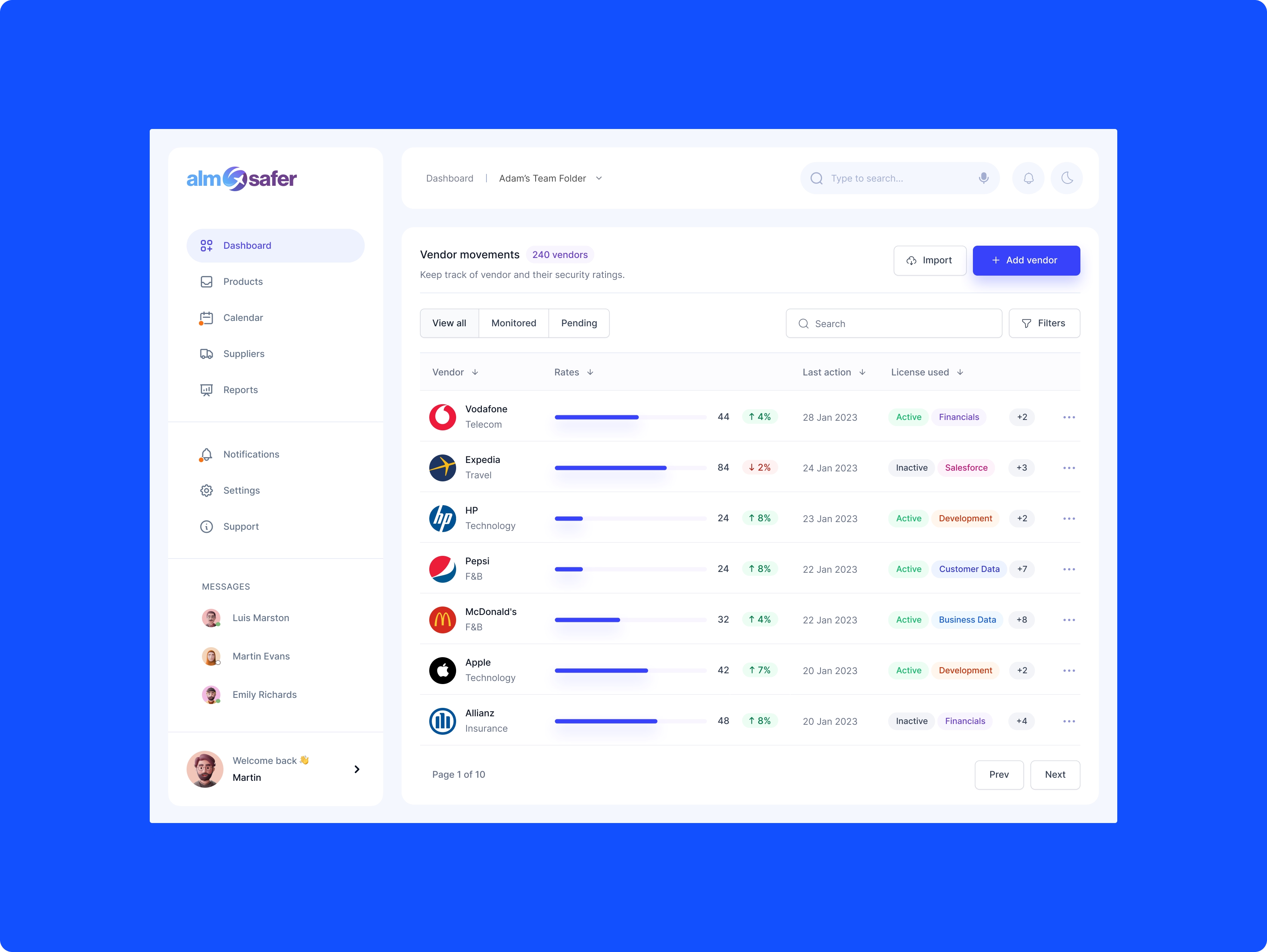
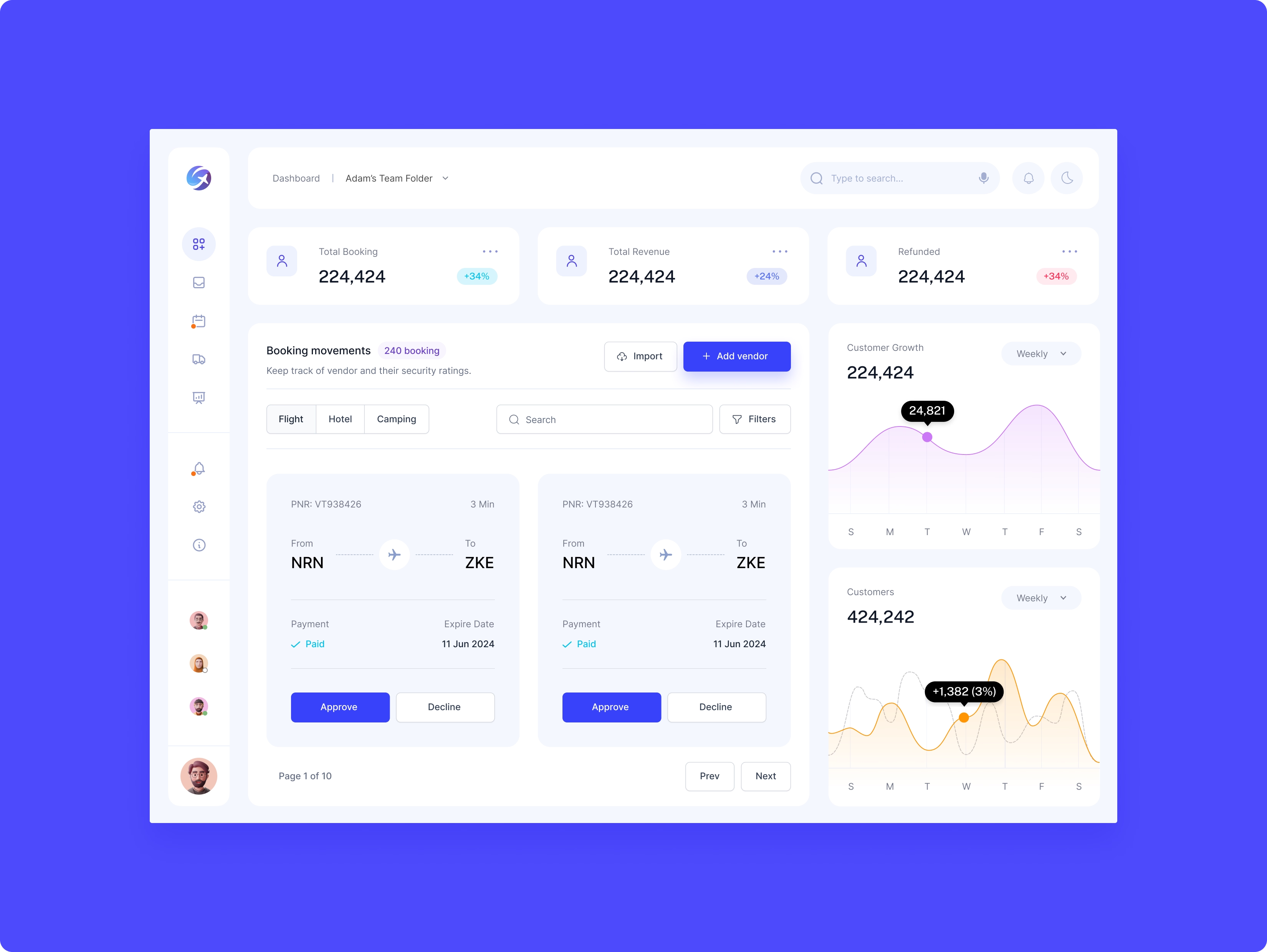
We organized information intuitively by applying fundamental design principles to create clear, efficient layouts. The structured interface improved content hierarchy, making navigation and interactions straightforward and predictable.

By prioritizing clarity and logical content flow, the UI enabled users to complete tasks more efficiently, reducing cognitive load and minimizing friction. This approach strengthened usability while increasing overall engagement and user satisfaction.

You've got to start with the customer experience and work back toward the technology.

Conclusion

Convenience is Key: Time is precious and a user is most likely not going to enjoy excessively scrolling for important information.

Always Value Transparency: Gaining a user’s trust early on in the consumer journey will keep them around much longer.

Keep it Simple and Logical: Folks can quickly feel overwhelmed by cluttered interfaces or wordy descriptions. Rely on basic design principles to create clean and smart layouts- organizing information in a way that is intuitive to users.